Chapter 02
The old website started the conversation. The owner handled the rest.
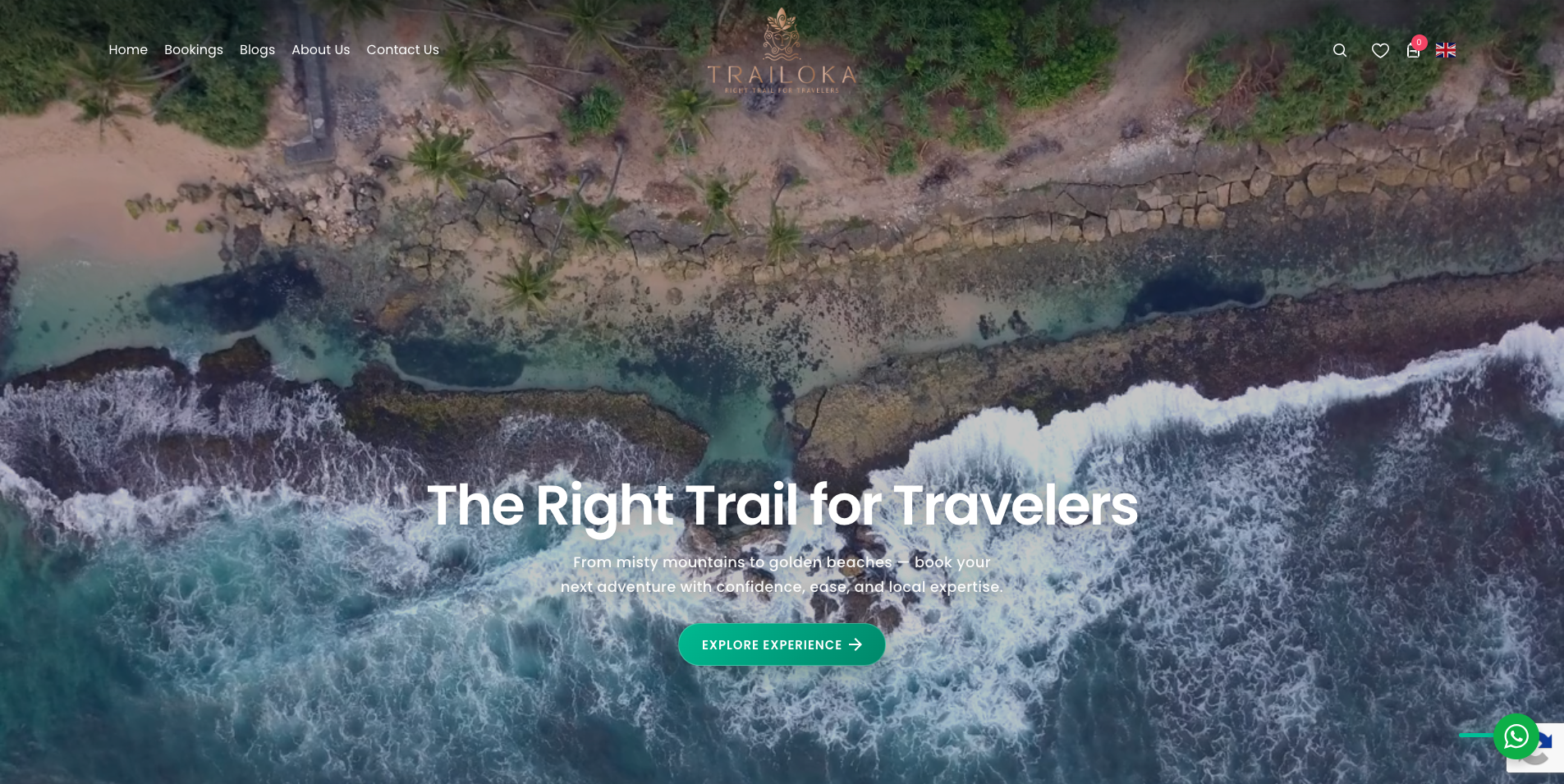
Trailoka’s original WordPress site introduced its tours and brought in enquiries. Once travellers found something they liked, they contacted the owner on WhatsApp to discuss dates, package options, and payment. The owner coordinated those details manually.
The redesign had two jobs. Travellers needed enough information to choose and book a tour on their own. The owner needed a clear record of what each customer booked so they could plan the trip and follow up.
Chapter 03
Help travellers find a tour that fits and see what they’re booking.
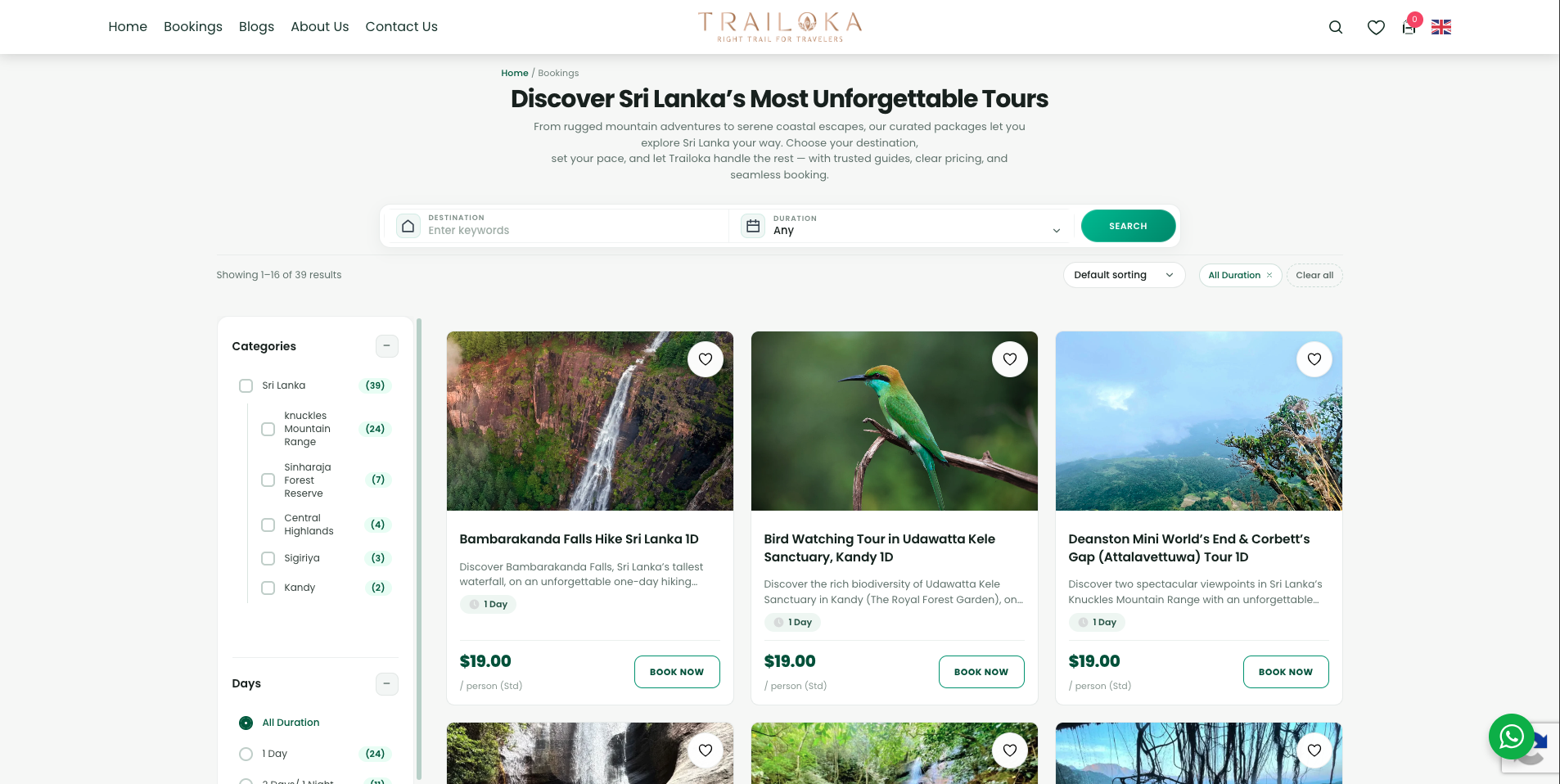
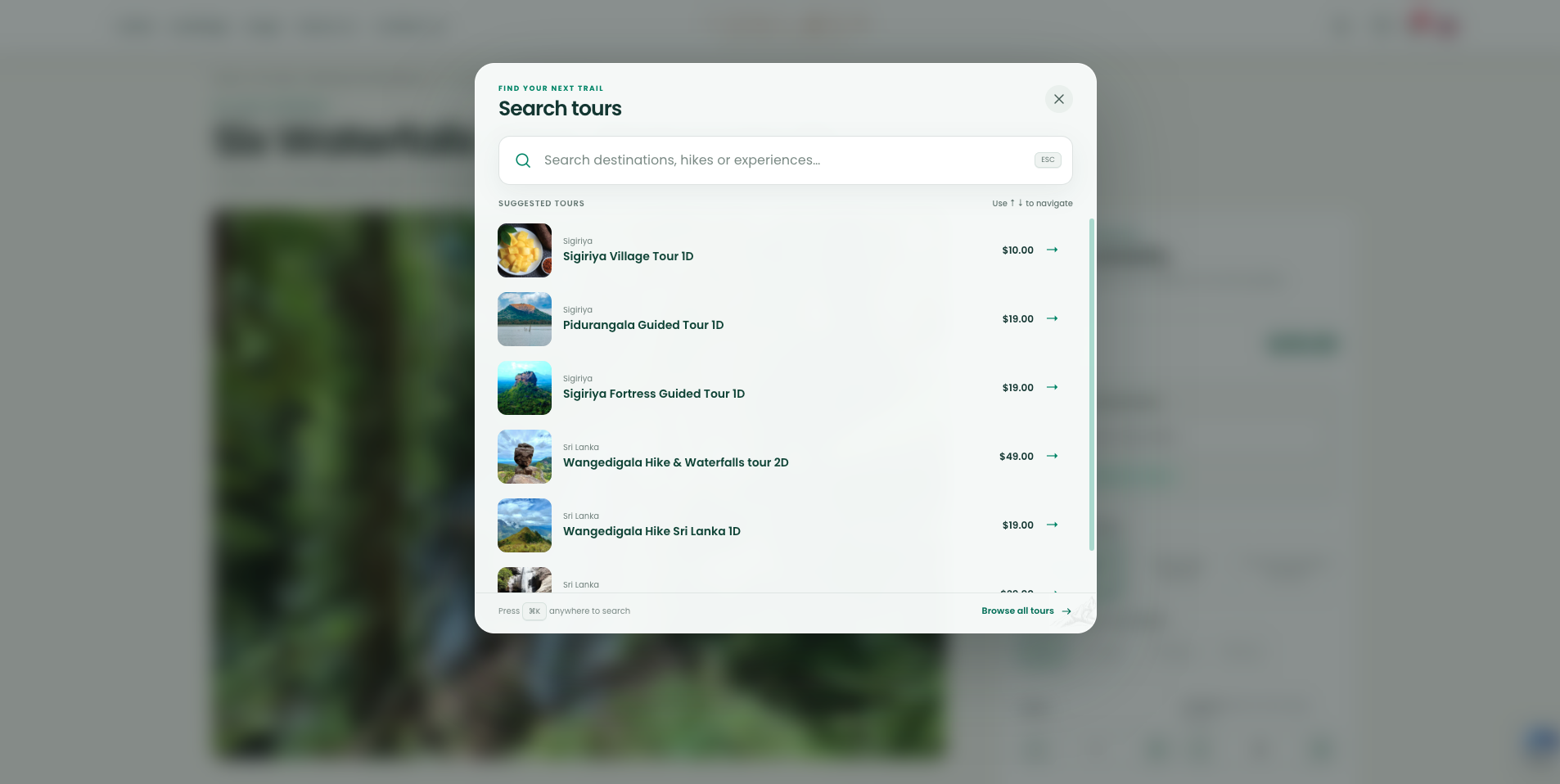
I gave travellers two ways to find a tour. They can browse the catalogue by destination and duration, or open search when they already have a place or activity in mind. The catalogue cards surface trip length and price so people can compare options before opening a tour.
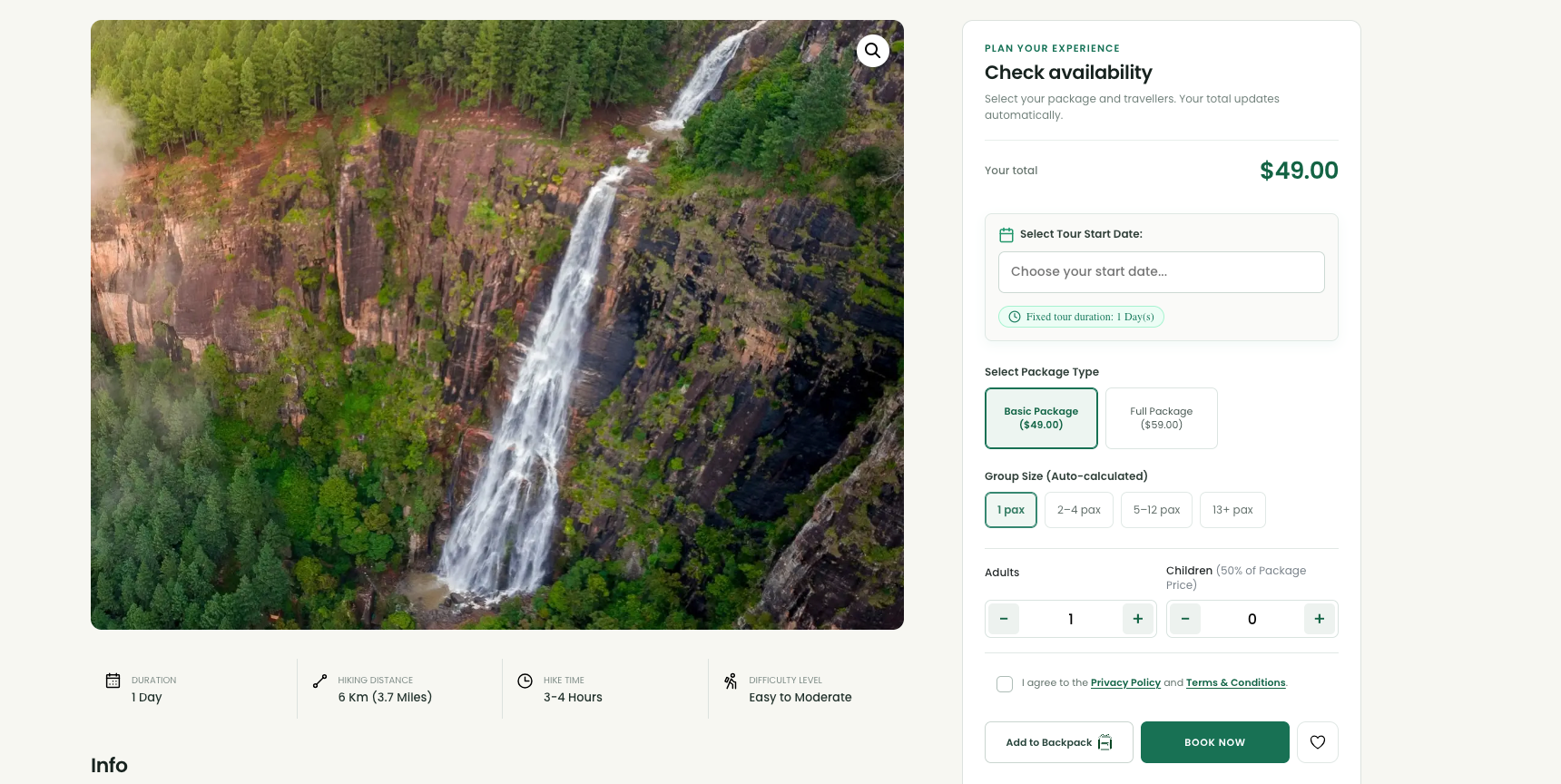
On the Bambarakanda Falls page, the itinerary, hike difficulty, and package inclusions help travellers decide whether the trip suits their group. In the booking panel, they can pick a start date, choose the Basic or Full package, and enter the number of adults and children. The total updates as they make those choices, so they can review the booking before continuing. WhatsApp remains available for questions.
Chapter 04
Three moments in the booking journey
Chapter 05
Give the owner one place to manage bookings.
I kept WordPress and extended it with WooCommerce and a custom admin dashboard. When a booking comes in, the owner can review the order and customer details, send invoices and booking communications, and see which trips are coming up. The booking calendar also supports assigning guides to individual trips.
I connected WooCommerce to Google Sheets for reporting and Excel export, and built a Google Calendar integration around the dates travellers actually book. That distinction matters when one customer orders a Saturday hike and a Monday tour in the same checkout. The owner needs one customer order for reference and two separately dated trips for planning.
Chapter 06
A booking website that supports the work after checkout.
Travellers can now go from discovering a tour to selecting their dates and booking through the website. The owner has a central order record for customer details, follow-up, and reporting. Both sides work from the same booking choices, from the package and traveller count to the dates the trip is scheduled to run.
Keep exploring